

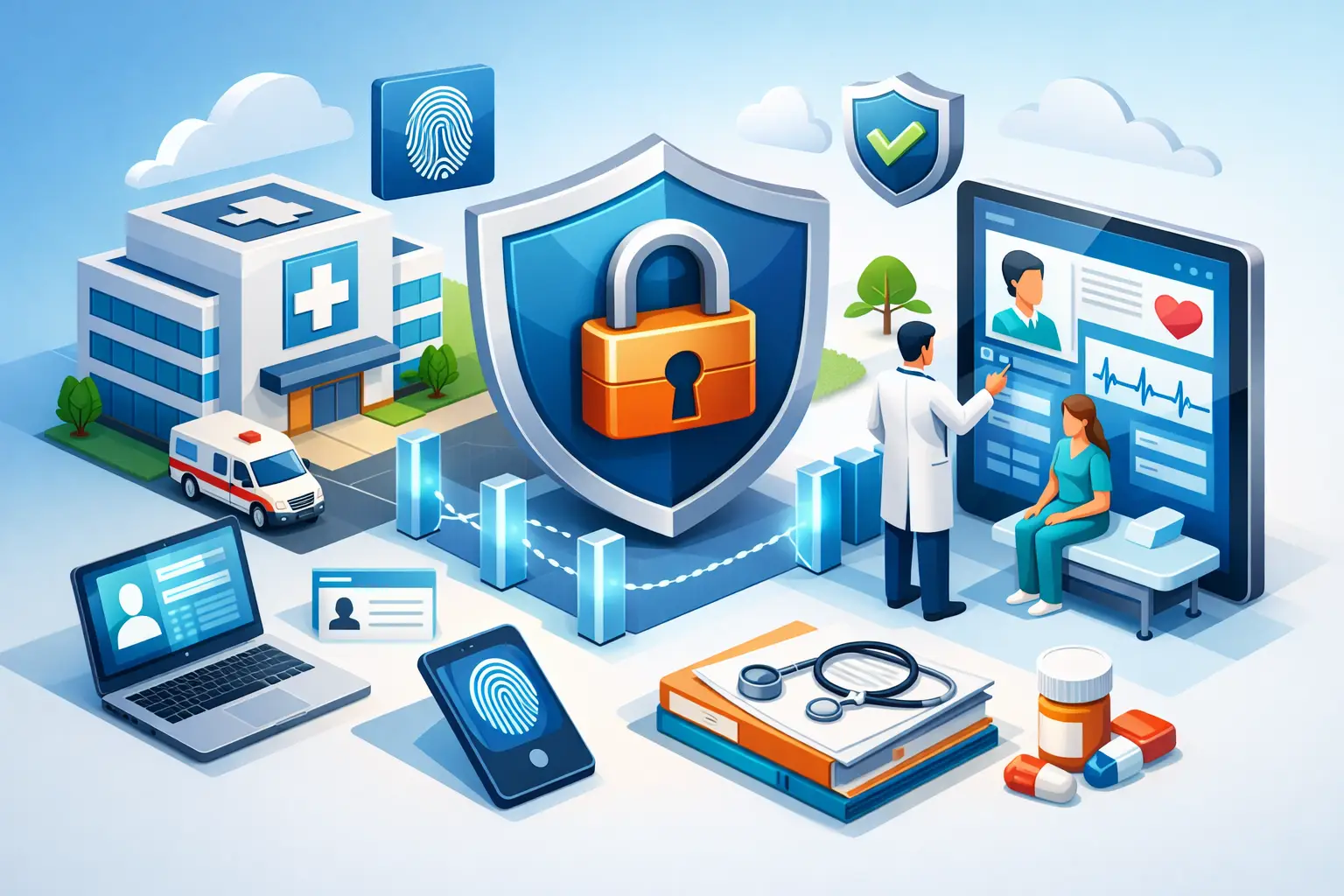
Healthcare Access Controls That Protect Care
A former employee’s active login, a shared front-desk password, or an administrator account used for routine email can create more risk than a sophisticated cyberattack. Healthcare access controls determine who can view, change, send, or delete sensitive information across electronic health records, Microsoft 365, billing systems, imaging platforms, and connected devices. When those controls are poorly managed, patient privacy, clinical operations, and the practice’s reputation are all exposed.
For small and mid-sized healthcare organizations, the objective is not to make every system difficult to use. It is to give the right people the right level of access for the work they are responsible for, then remove that access promptly when roles change. That discipline supports HIPAA compliance, limits the damage from compromised credentials, and helps care teams keep moving when pressure is high.
Why Healthcare Access Controls Are a Business Issue
Access management is often treated as an IT task. In a healthcare setting, it is also an operational and risk-management responsibility. A receptionist may need appointment schedules and demographic information but not clinical notes. A billing specialist may need claims data without unrestricted access to patient charts. A physician may require broad chart access, while a temporary contractor should have a narrow, time-limited account.
The difference matters because most security incidents do not begin with an attacker breaking through a firewall. They often begin with a legitimate account being misused. That can happen after a phishing email captures a password, when a shared credential is passed around, or when an account remains active after an employee leaves.
The consequences reach beyond a compliance finding. Unauthorized access can interrupt appointments, delay claims, expose protected health information, and force leaders to spend valuable time responding to an incident rather than serving patients. For practices operating with lean administrative and IT teams, even a short disruption can create a meaningful financial and patient-service problem.
HIPAA’s Security Rule requires covered entities and business associates to implement reasonable administrative, physical, and technical safeguards. Access controls are a central part of that expectation. They also provide evidence that the organization has made deliberate decisions about who can access electronic protected health information and why.
The Building Blocks of Effective Healthcare Access Controls
Strong controls are not one product or one policy document. They are a coordinated set of technical safeguards, documented processes, and regular oversight. The starting point is an accurate inventory of users, systems, devices, and data.
Role-based access keeps permissions aligned with work
Role-based access control assigns permissions according to a person’s job function rather than personal preference or convenience. Instead of granting broad access each time someone asks for it, the organization defines appropriate access profiles for roles such as physician, nurse, scheduler, billing specialist, office manager, and IT administrator.
This approach reduces unnecessary exposure while making onboarding more consistent. It also makes reviews more practical. Leaders can ask whether a role needs a particular capability rather than examining an unstructured collection of individual permissions.
Role-based access does require nuance. In a small clinic, staff may cover multiple responsibilities, especially during absences or periods of growth. The answer is not to abandon least privilege. It is to document approved exceptions, limit them to the necessary systems, and set an expiration date when temporary elevated access is granted.
Multi-factor authentication protects against stolen passwords
Passwords alone are no longer a sufficient control for email, remote access, cloud applications, or privileged accounts. Multi-factor authentication, or MFA, requires a second verification step such as an authenticator application, security key, or approved push notification.
MFA is especially valuable because email accounts are often the launch point for business email compromise, phishing, and account takeover. Once an attacker controls a mailbox, they may reset passwords for other systems, impersonate leadership, or search for patient and financial information.
Not every MFA method provides equal protection. Text-message codes can be better than passwords alone, but authenticator apps and phishing-resistant security keys generally offer stronger protection for higher-risk accounts. The right choice depends on the practice’s technology environment, workforce needs, and risk profile. What should not be negotiable is MFA for administrators, remote access, email, and any system that stores or provides access to protected health information.
Separate administrative accounts from daily work
IT administrators need elevated privileges to manage systems, but those privileges should not be attached to the same account used for everyday email, browsing, and document work. A compromised standard user account is serious. A compromised administrator account can give an attacker broad control over endpoints, cloud services, backups, and identity systems.
Dedicated administrative accounts, restricted privileged access, and approval workflows create valuable separation. They also improve accountability because administrative actions can be traced to the individual who performed them. For organizations without a full internal security team, managed monitoring of privileged activity can provide another layer of visibility.
Fast onboarding and offboarding close common gaps
Access is not static. New hires need the correct accounts before their first day. Employees moving into a new role need their permissions adjusted. Departing staff, contractors, and temporary workers need access removed immediately when their relationship with the organization ends.
A reliable process connects HR, department leadership, and IT. The notification should identify the person, role, start or end date, required systems, manager approval, and any special access needed. For offboarding, the process should include email, cloud applications, EHR access, remote access, phone systems, shared drives, mobile devices, and physical access where applicable.
The timing is critical. Disabling access at the end of the final working day may be appropriate in some cases. In others, such as an involuntary separation, access must be removed before the conversation occurs. The procedure should support both scenarios without relying on an informal email or memory.
How to Put Healthcare Access Controls Into Practice
A practical improvement plan begins with a risk-based assessment, not a blanket effort to rebuild every permission overnight. Identify the systems that contain protected health information, financial records, credentials, or operationally critical data. Then determine who has access, whether that access is necessary, and whether MFA and logging are enabled.
From there, prioritize the controls that reduce the most risk quickly:
- Remove inactive accounts, shared credentials, and unnecessary local administrator rights.
- Enforce MFA for email, remote access, cloud applications, and privileged accounts.
- Define access roles for major departments and document approved exceptions.
- Establish a repeatable onboarding, role-change, and offboarding workflow.
- Schedule periodic access reviews, with closer scrutiny for administrators and high-risk applications.
Periodic reviews are where good intentions become sustained control. Department managers should confirm that their employees still need access, while IT validates that technical permissions match those decisions. A quarterly review may be appropriate for many systems, but privileged accounts and sensitive clinical platforms may warrant more frequent oversight. The right cadence depends on staff turnover, application complexity, and the volume of sensitive data involved.
Logging also matters. If a patient record is accessed unexpectedly, leaders need a way to investigate. Audit logs should be enabled where available, retained according to organizational requirements, and reviewed when alerts or concerns arise. Collecting logs without anyone responsible for monitoring them provides limited value.
Avoid Controls That Disrupt Clinical Work
Security controls fail when employees feel forced to work around them. A nurse who must repeatedly sign in during patient care may seek shortcuts. A physician using an unmanaged personal device may create an unapproved path to information. These behaviors are signals that the workflow needs attention, not simply that the user needs another reminder.
Healthcare organizations need controls that account for real conditions: shared workstations, shift changes, urgent care needs, remote providers, and third-party vendors. Session timeouts, badge-based sign-in, secure password managers, managed mobile devices, and single sign-on can reduce friction when designed thoughtfully.
Convenience should not override security, but security should be implemented with operational context. A strategic IT partner can help a practice balance protection with usability by testing workflows, documenting exceptions, and measuring whether controls are actually being followed.
Accountability Is the Control Behind the Controls
Technology can enforce permissions, but leadership creates the discipline that makes those permissions meaningful. Every healthcare organization should know who owns access decisions, who approves exceptions, who performs reviews, and who is accountable when a control is not working.
For many small and mid-sized practices, that accountability is difficult to maintain internally while managing patients, staffing, billing, and growth. Sigma Networks helps healthcare organizations establish and manage the security processes that protect sensitive systems without turning IT into a constant leadership burden.
The most effective access-control program is not the one with the most restrictions. It is the one that gives clinicians and staff dependable access to what they need, while making unauthorized access difficult, visible, and short-lived. That is how better security supports better care.
