

How to Align IT Roadmap With Business Goals
A new office, acquisition, compliance deadline, or client growth opportunity can expose a costly disconnect: the business has a plan, but IT is still reacting to tickets, aging equipment, and surprise renewals. Knowing how to align IT roadmap priorities with the business plan turns technology from an operational expense into a controlled source of protection, capacity, and growth.
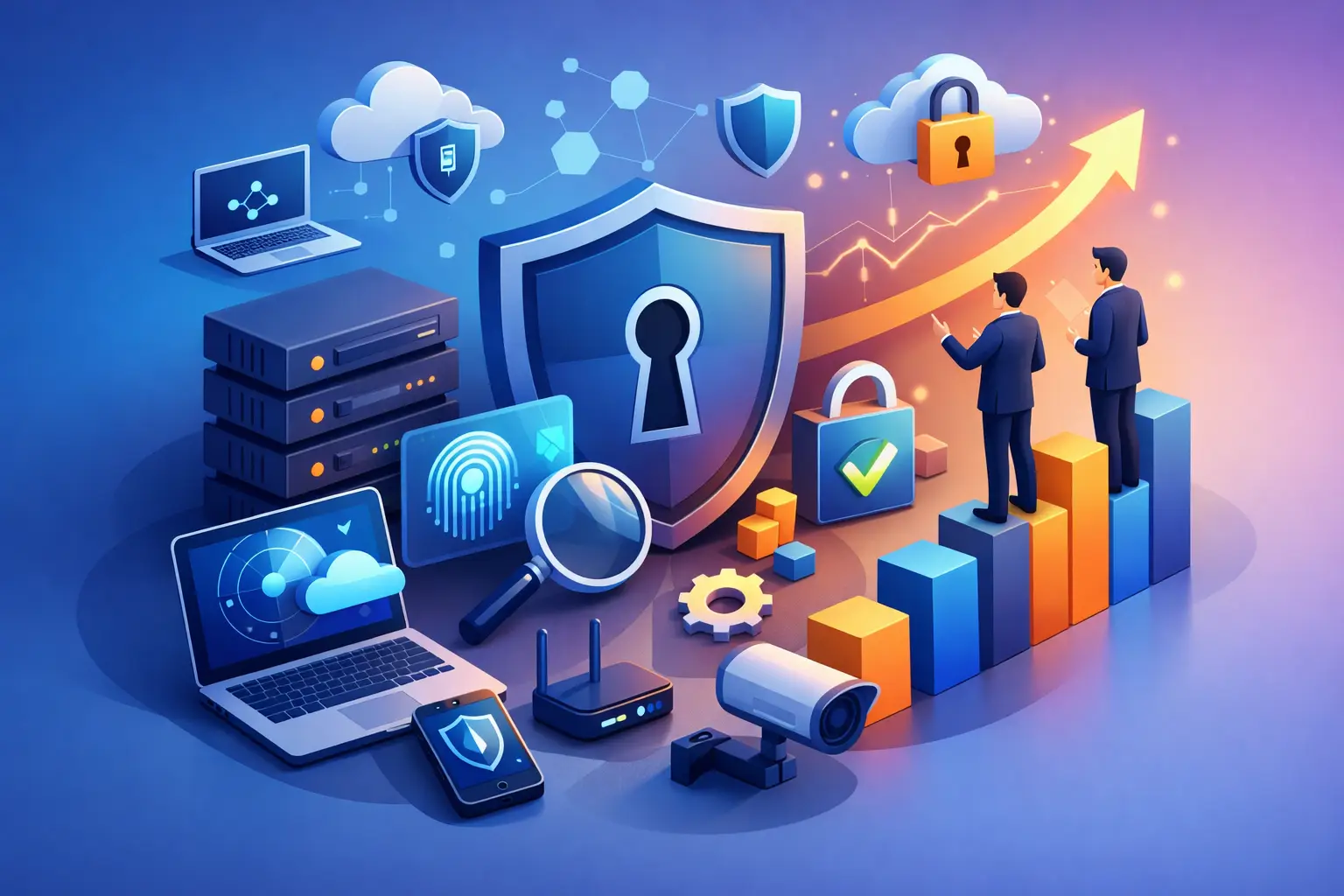
For small and mid-sized organizations, alignment is not about producing a glossy five-year technology document. It is about making deliberate decisions on what to fix, secure, replace, automate, and fund next – based on the outcomes the business needs. A useful roadmap should give executives confidence that technology spending reduces risk and supports the company’s direction.
Why IT roadmaps lose alignment
IT roadmaps commonly drift when they are built around tools rather than business conditions. A plan to replace switches, migrate email, or implement a new line-of-business application may be technically sound, but it does not explain why that work matters to operations, revenue, client service, or risk.
The opposite problem is just as common. Leadership may set aggressive growth goals without considering the systems, security controls, connectivity, staff capacity, and vendor agreements required to support them. The result is usually rushed purchasing, inconsistent access controls, downtime, or an internal IT team asked to deliver more with no clear priority framework.
Alignment also fails when cybersecurity and compliance are treated as separate projects. For a healthcare practice, financial firm, law office, or manufacturer, security requirements affect every technology decision. A cloud migration that improves collaboration but leaves identity management, backup, retention, or vendor access unresolved is not a complete business solution.
How to align IT roadmap priorities with business strategy
Start with the business plan, not the technology inventory. Leadership should identify the material changes expected over the next 12 to 36 months. That may include opening locations, hiring, supporting hybrid work, entering a regulated market, improving client response times, integrating an acquisition, or reducing exposure to downtime.
These plans should be stated in measurable terms whenever possible. “Grow the company” is difficult to translate into an IT decision. “Add 40 employees across two locations by Q3” creates useful questions about devices, identity access, bandwidth, communications, onboarding, security monitoring, and support coverage.
Define the outcomes and constraints
Each business goal should have a corresponding technology outcome. If the objective is to improve client service, the IT outcome may be a more reliable communications platform, faster remote access, or better workflow visibility. If the objective is to protect sensitive records, the outcome may be multifactor authentication, managed detection and response, tested backup recovery, and tighter access governance.
Constraints matter too. Budget, internal staff availability, legacy applications, contract dates, insurance requirements, and compliance obligations shape what can reasonably happen and when. A roadmap that ignores these constraints is a wish list. One that recognizes them can guide practical trade-offs.
For example, a business might want to modernize every server and application at once. If its critical application cannot move to the cloud yet, the better path may be to strengthen the current environment, improve backup and disaster recovery, and schedule application modernization when the vendor supports it. The right answer depends on risk, timing, and business value.
Establish a fact-based baseline
A roadmap should be built on an accurate picture of the current environment. This includes infrastructure, cloud services, endpoints, software licensing, network capacity, backup coverage, security controls, vendor dependencies, documentation, and the age of critical assets.
The assessment should also expose operational weaknesses. Are employee accounts removed promptly when staff leave? Are backups tested for recovery, not merely marked as successful? Does the organization know which systems would stop billing, production, scheduling, or client service during an outage? Can leaders see the security and compliance status of their environment?
This work is not simply an inventory exercise. It identifies the gap between the company’s current capabilities and the capabilities required to meet its goals safely. A business planning to serve larger enterprise clients, for instance, may need stronger security documentation and incident response procedures before those clients will approve it as a vendor.
Organize the roadmap around business themes
Once outcomes and gaps are clear, group work into a small number of business-focused themes. Common themes include business continuity, secure growth, workforce productivity, compliance readiness, and infrastructure lifecycle management.
This changes the discussion. Instead of debating whether a firewall refresh is more important than an email security upgrade, leadership can evaluate how both investments support the broader objective of reducing cyber risk. Instead of treating laptop replacements as routine purchases, the business can connect them to employee productivity, support costs, remote work standards, and endpoint security.
Each initiative should answer four questions: What business outcome does it support? What risk does it reduce? What resources and dependencies does it require? How will leadership know it worked? If an initiative cannot answer these questions, it may not be ready for the roadmap.
Sequence work by risk, dependency, and value
A strong roadmap is sequenced, not just prioritized. Some projects must happen first because they reduce immediate exposure or create the foundation for later work. Identity security may need to be improved before a cloud migration. Network upgrades may need to precede a new VoIP deployment. Accurate asset documentation may be necessary before an organization can establish a reliable equipment refresh cycle.
Urgent risk should receive appropriate weight. Unsupported systems, unprotected administrator accounts, untested backups, and missing security monitoring are not items to defer indefinitely because they are less visible than a new collaboration tool. They can create operational and financial consequences that far exceed the cost of remediation.
Still, not every project needs to be completed immediately. Spreading investments across quarters can protect cash flow and reduce disruption. The key is to document the accepted risk when an initiative is deferred, assign an owner, and set a date to revisit the decision. That turns delay into a managed business choice rather than silent exposure.
Build a roadmap the budget can support
Technology budgeting should include more than project costs. Leaders need visibility into recurring subscriptions, managed services, warranties, replacement hardware, implementation work, training, cybersecurity tools, and the internal time required to support change.
A useful roadmap separates planned lifecycle investments from unplanned remediation. When workstations, firewalls, servers, wireless equipment, and software agreements are tracked in advance, the business can avoid emergency purchases and negotiate from a position of control. This also helps controllers and operations leaders forecast expenses with fewer surprises.
The goal is not always to spend more. In many cases, alignment reveals duplicated software, underused licenses, legacy platforms that create excessive support costs, or security gaps caused by fragmented vendors. Consolidating the right services can improve accountability while controlling spend.
Make cybersecurity and continuity part of every decision
Security should be a design requirement for the roadmap, not a final review step. Every major initiative should consider identity protection, least-privilege access, endpoint controls, monitoring, backup, recovery testing, vendor risk, and employee training.
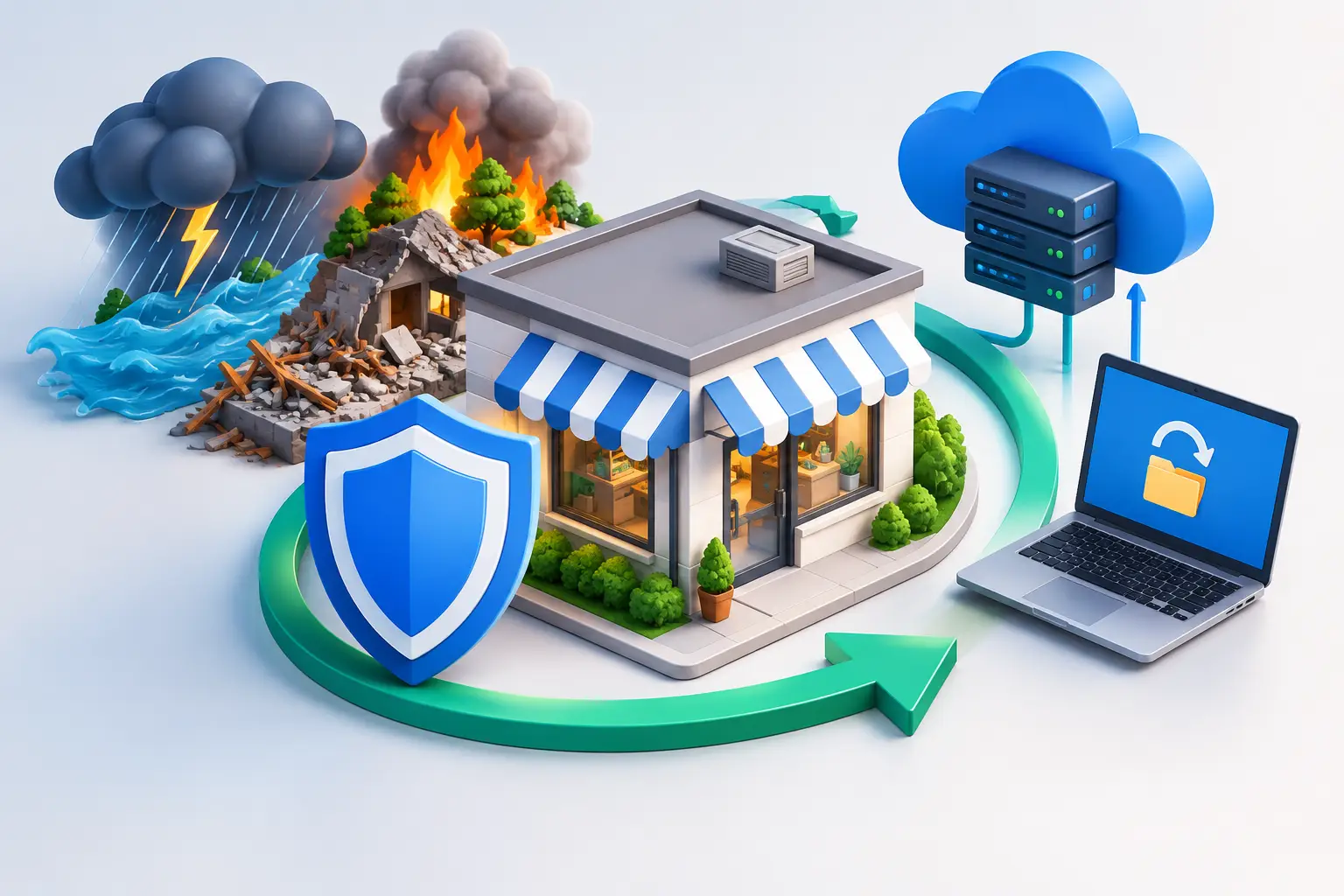
Business continuity deserves the same treatment. Ask what happens if a critical system, office connection, cloud account, or key employee becomes unavailable. Recovery objectives should reflect the real cost of downtime to the business, not an arbitrary technical standard. A company that can tolerate a day without one internal system may only be able to tolerate an hour without its client communication platform.
For organizations subject to HIPAA, financial regulations, contractual security requirements, or cybersecurity insurance controls, roadmap governance also creates valuable evidence. Documented decisions, risk assessments, technology standards, and tested recovery procedures demonstrate leadership oversight when it matters most.
Assign ownership and review the roadmap regularly
An IT roadmap needs accountable owners on both the business and technology sides. Executives define the direction and acceptable risk. IT leaders translate that direction into architecture, projects, service standards, and budgets. Operations and finance leaders help evaluate disruption, timing, adoption, and return on investment.
Review the roadmap at least quarterly and after any significant business change. A new client requirement, ransomware event, acquisition, lease expiration, or major software vendor announcement can change priorities quickly. Quarterly reviews keep the plan current without turning it into a constant reinvention exercise.
The review should focus on decisions: what was completed, what risks remain, what has changed, what needs funding, and what should move forward or be deferred. Clear reporting matters more than technical volume. Leadership should be able to understand the status of critical initiatives without sorting through ticket data or product names.
For businesses without a full internal technology leadership function, a vCIO or vCTO can provide the structure needed to connect board-level or executive priorities to day-to-day IT execution. Sigma Networks helps organizations establish that discipline through proactive planning, security oversight, lifecycle management, and accountable technology guidance.
The best roadmap is one your leadership team can use when a hard decision arrives. Keep it current, tie every major initiative to a business outcome or material risk, and use it to make deliberate choices before an outage, audit finding, or growth opportunity makes the choice for you.