

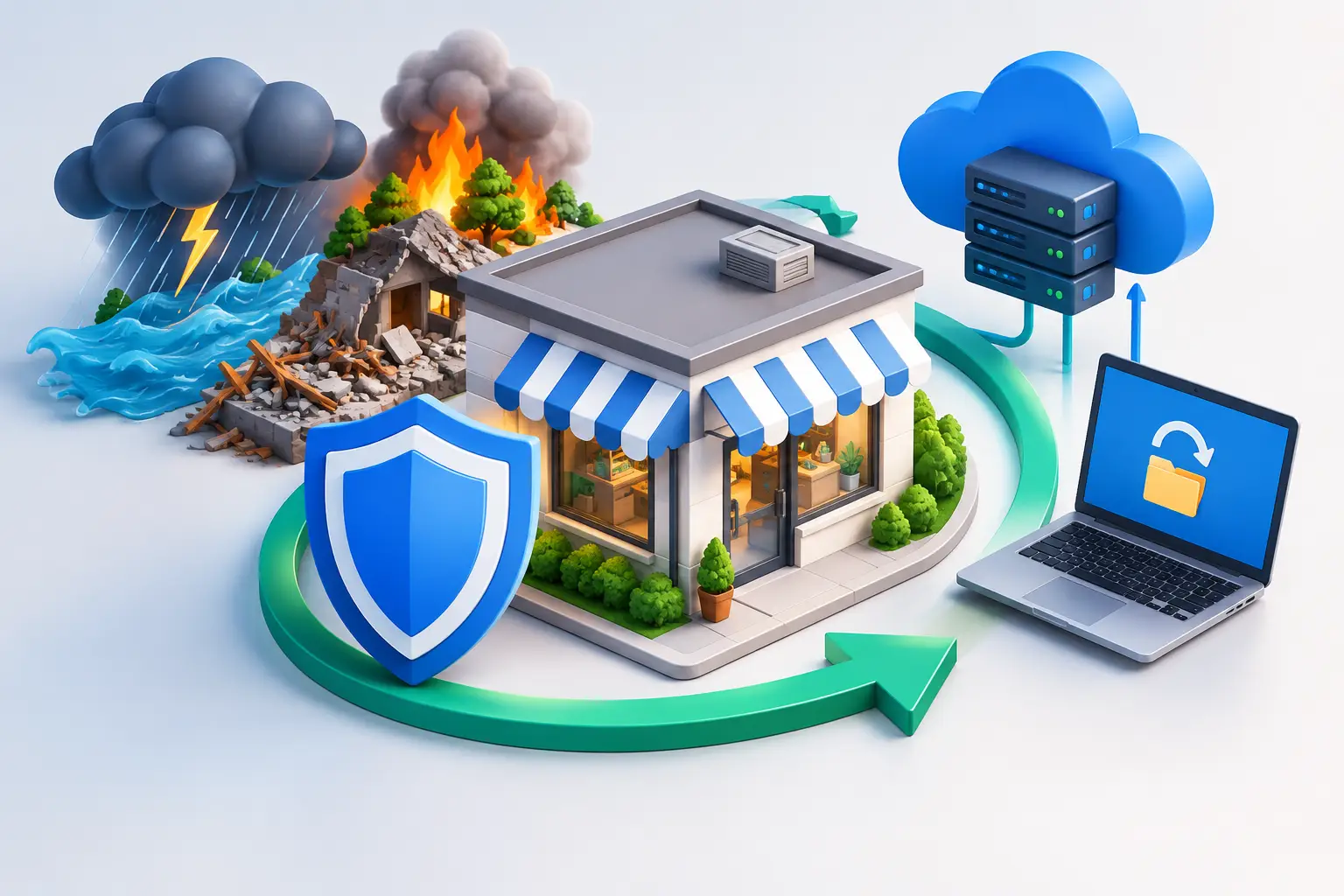
Disaster Recovery Guide for Small Businesses
A server failure at 10:00 a.m. is not just an IT issue. It can stop billing, disrupt client communication, delay payroll, and leave employees unable to work. A practical disaster recovery guide gives your business a defined path back to operation when systems, facilities, or data become unavailable.
For small and mid-sized businesses, recovery planning is often postponed because it feels like a large-enterprise project. The greater risk is assuming that backups alone will solve the problem. Backups are essential, but they do not answer critical questions: Which systems must return first? Who has authority to declare an incident? Can your team safely restore clean data after ransomware? How will employees communicate if Microsoft 365, phones, or the office network are unavailable?
What Disaster Recovery Actually Covers
Disaster recovery is the documented process for restoring technology, data, and essential business operations after a disruptive event. That event may be a ransomware attack, hardware failure, cloud service outage, severe weather event, power disruption, accidental deletion, or fire at a primary office.
It is related to business continuity, but the two are not identical. Disaster recovery focuses on restoring IT systems and data. Business continuity addresses how the company continues delivering services while recovery is underway. A law firm may need secure access to case files. A manufacturer may need to keep production schedules and inventory systems available. A healthcare practice may need to protect patient information while maintaining access to scheduling and clinical records.
The right plan reflects those operational realities. It is not a generic document stored in a folder and reviewed once a year.
Start This Disaster Recovery Guide With Business Priorities
The first step is not buying more storage or adding another backup tool. It is identifying what interruption costs the business and which functions cannot wait.
Meet with leadership, operations, finance, and department owners to map critical processes. Include the applications, data, people, vendors, and devices each process depends on. For example, a professional services firm may rely on Microsoft 365, its line-of-business application, document management platform, VoIP system, and secure remote access. If any one of those services fails, the impact may be different.
From there, assign recovery targets. Two measurements matter most:
Recovery Time Objective (RTO) is how quickly a system must be restored after an outage. A payroll platform might have an RTO of several hours, while an email platform may need to return sooner.
Recovery Point Objective (RPO) is the maximum amount of data the business can afford to lose, measured in time. An RPO of one hour means recovery should restore data no older than one hour before the incident.
These targets should be based on business impact, not wishful thinking. Near-instant recovery and minimal data loss require more infrastructure, monitoring, replication, and testing. A smaller organization may reasonably choose different targets for a file archive than for customer records or financial systems. The key is making those decisions deliberately before an emergency.
Build Recovery Around More Than Backups
A backup strategy is a foundation, not the complete plan. Recovery depends on knowing that backups are complete, protected from attack, accessible when needed, and capable of restoring the systems that matter.
A security-first approach typically includes multiple copies of critical data, stored in separate locations and protected from unauthorized alteration. One copy should be isolated or immutable, meaning a compromised administrator account or ransomware infection cannot easily encrypt or delete it. This matters because modern attackers often target backups before announcing themselves.
Your environment should also account for cloud and SaaS platforms. Many organizations assume data in Microsoft 365, cloud file sharing, or a hosted application is fully protected by the provider. Providers protect their infrastructure, but your business may still be responsible for recovering deleted files, altered records, user accounts, or data affected by a compromised credential.
Recovery planning should document the full environment, including:
- Critical servers, virtual machines, workstations, cloud services, and network equipment
- Business applications and their dependencies, including licensing and vendor support contacts
- Data locations, backup schedules, retention periods, and restoration procedures
- Administrative accounts, secure credential access, and emergency access controls
- Internet, phone, power, and remote-work alternatives
- Compliance requirements for protected, financial, legal, or customer data
Accurate documentation is often the difference between a controlled recovery and a series of expensive guesses. It should be protected, current, and available even if the primary network is offline.
Plan for Ransomware as a Recovery Scenario
Ransomware recovery requires more than restoring the latest backup. If the attacker still has access, restoring systems too soon can reintroduce malware, expose credentials, and extend the incident.
The initial priorities are containment and evidence preservation. Isolate affected systems, disable or restrict compromised accounts, preserve logs, and determine how the attacker entered. Do not allow urgency to push the organization into rebuilding without validating that the environment is clean.
A recovery plan should specify who contacts cybersecurity responders, legal counsel, cyber insurance carriers, law enforcement when appropriate, and affected customers or regulators. Organizations in healthcare, legal, financial, and other regulated fields may have notification duties that depend on the type of data involved and the facts of the incident.
Clean recovery also requires a sequence. Restore identity services and security controls first, then network services, core infrastructure, priority applications, and user access. Reset credentials, apply security updates, validate endpoint protection, and monitor closely after systems return. A rushed recovery can create a second outage.
Define Roles Before an Incident Creates Confusion
During an outage, employees need clear direction. A written plan should name an incident leader and alternates, define technical recovery owners, and establish who can approve major decisions. It should also identify who communicates with employees, customers, vendors, and the media if needed.
Create an out-of-band communication method that does not depend on the affected system. This could include a designated emergency calling process, approved personal contact information, or a separate communication platform. If email and VoIP are unavailable, the team still needs a way to coordinate.
For many SMBs, internal IT staff can manage parts of the process but may not have 24/7 monitoring, incident-response depth, or infrastructure capacity to handle a major event alone. A managed IT and cybersecurity partner can provide escalation paths, documented recovery procedures, and access to specialists when the pressure is highest. The value is not simply having someone to call. It is having accountability for preparation, detection, containment, and recovery.
Test the Plan Before You Need It
A disaster recovery plan that has never been tested is an assumption, not a capability. Testing confirms whether backups restore, recovery targets are achievable, contacts are current, and employees know their responsibilities.
Start with a tabletop exercise. Walk leadership and department owners through a realistic event, such as a ransomware infection affecting file servers and Microsoft 365 accounts. Discuss decisions, communications, customer impact, and the order of restoration. These exercises often expose gaps in authority and documentation without interrupting production.
Then test technical recovery. Restore sample files regularly, test application recovery, and periodically conduct a controlled recovery of a critical server or cloud workload. Record actual recovery times rather than relying on vendor estimates. If your RTO is four hours but a restoration takes nine, the plan needs adjustment.
Tests should lead to action. Update the runbook, revise priorities, fix failed backup jobs, retire unsupported systems, and close access-control gaps. New applications, mergers, office moves, and staffing changes can all alter recovery needs, so review the plan at least annually and after meaningful changes to the environment.
Keep Recovery Connected to Long-Term IT Strategy
Disaster recovery is not a one-time compliance task. It is a business decision about acceptable risk, customer commitments, and the company’s ability to operate through disruption. The plan should evolve alongside cloud adoption, cybersecurity controls, remote work, and growth.
For DFW businesses, local risks such as severe weather and utility interruptions can affect offices, connectivity, and access to equipment. But the most common disruptions are often less dramatic: a phishing attack, a failed update, an expired certificate, a deleted folder, or an unmonitored hardware issue. A disciplined recovery program prepares for both.
The goal is not to promise that your business will never experience an outage. It is to ensure that when disruption occurs, your team can make sound decisions, protect sensitive data, communicate clearly, and restore the work that keeps customers moving forward.
