

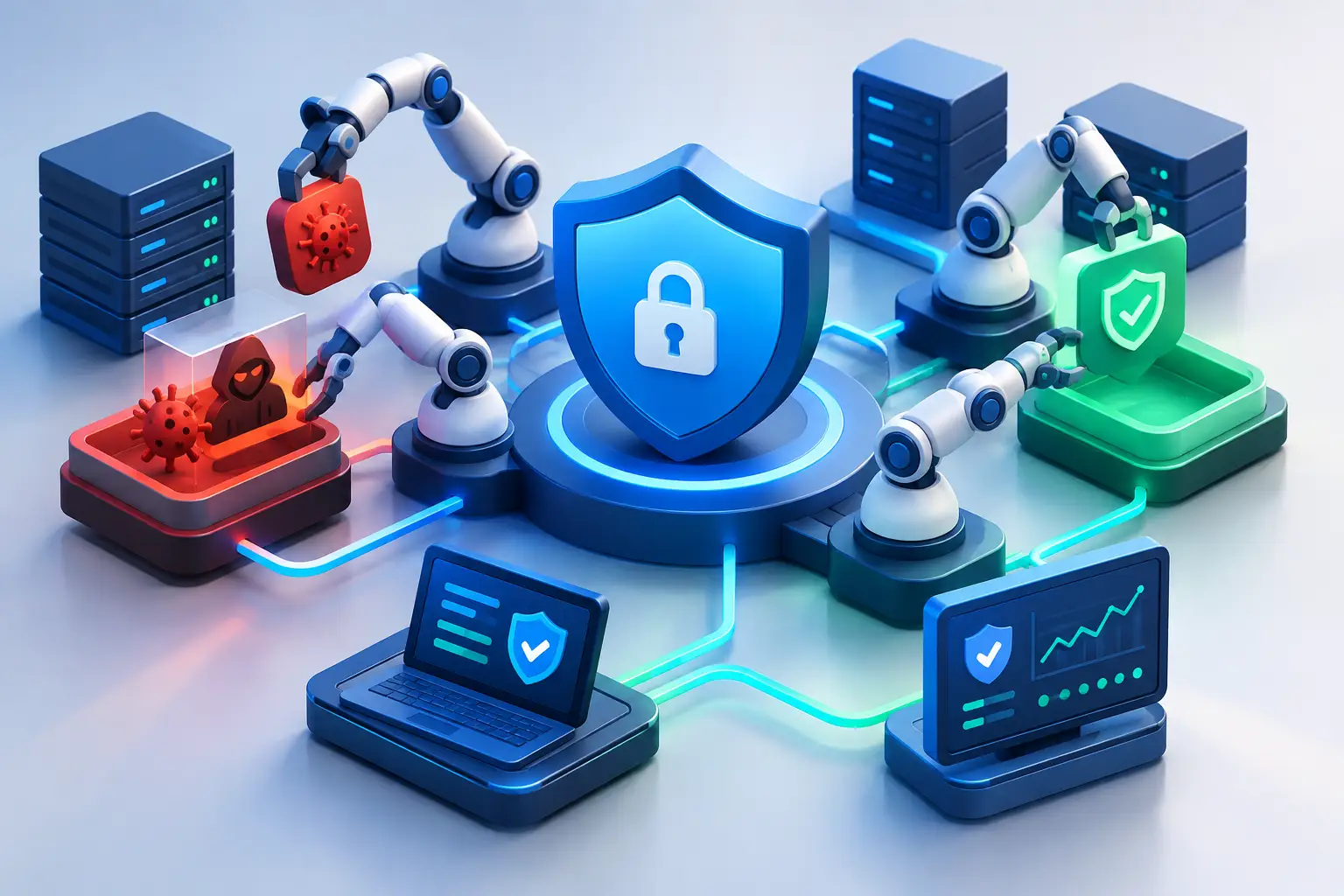
Cybersecurity Automation That Reduces Risk
A suspicious Microsoft 365 login at 2:13 a.m. should not wait until someone opens a ticket the next morning. By then, a stolen credential may have been used to create inbox rules, access financial data, or send convincing fraud emails from a trusted account. Cybersecurity automation gives small and mid-sized businesses a faster, more disciplined way to respond when every minute matters.
For business leaders, the value is not simply faster technology. It is a security operation that can identify routine warning signs, take approved protective actions, and document what happened without relying on a single person to see every alert. That reduces exposure, supports compliance, and helps internal teams focus on decisions that require judgment.
What Cybersecurity Automation Actually Does
Cybersecurity automation uses defined rules, integrations, and workflows to perform repeatable security tasks. It connects security tools so that an event detected in one system can trigger investigation, containment, notification, or documentation in another.
For example, an identity platform may flag an impossible-travel login, where an employee account appears to sign in from Texas and another country within an unrealistic timeframe. An automated workflow can enrich that alert with the user’s recent activity, check whether multi-factor authentication was completed, identify the device involved, and temporarily restrict access if the risk meets a defined threshold.
The goal is not to let software make every security decision. The goal is to remove delay and inconsistency from high-volume, well-understood tasks. A security analyst or IT leader can then review the context, confirm the right response, and investigate incidents that require deeper expertise.
Automation is not “set it and forget it” security
Automation can act quickly, but it only works as well as the policies, configurations, and monitoring behind it. A poorly designed rule can block a legitimate employee, overlook an exception, or generate so many notifications that the team starts ignoring them.
That is why an effective program starts with clear security baselines, documented response procedures, tested backups, identity controls, and ownership. Automation reinforces disciplined operations. It does not replace them.
Where Automation Creates the Most Business Value
Small and mid-sized organizations often have the same threat exposure as larger enterprises but fewer dedicated security resources. Phishing, account compromise, ransomware, vendor fraud, and unpatched systems do not wait for a business to build a large internal security team.
Automation helps close that gap in practical ways. It can prioritize alerts based on risk rather than volume, reducing the chance that a meaningful warning gets buried in routine noise. It can also respond around the clock, even when an internal IT manager is off duty or focused on a critical business project.
The greatest value usually appears in several repeatable areas:
- Identity protection: Detecting unusual sign-ins, risky account changes, disabled multi-factor authentication, and privileged access activity.
- Endpoint response: Isolating a workstation that shows signs of ransomware, malicious code execution, or unauthorized tools.
- Email security: Quarantining suspicious messages, removing known malicious emails from mailboxes, and flagging likely business email compromise attempts.
- Vulnerability management: Identifying missing patches, escalating critical findings, and verifying that remediation has occurred.
- Compliance evidence: Recording alerts, approvals, response actions, and system changes that support audits and incident reviews.
Consider a common scenario: a user enters credentials on a phishing page. Without coordinated controls, the attacker may sign in, create forwarding rules, search for payment information, and impersonate the employee. With the right workflows in place, suspicious login behavior can trigger password reset requirements, session revocation, mailbox-rule inspection, endpoint review, and a notification to the appropriate people. The business moves from a scattered reaction to a coordinated response.
Faster Response Matters More Than More Alerts
Security tools can produce thousands of events. Most are not emergencies, but a small percentage may signal an active threat. The operational challenge is separating normal activity from behavior that deserves immediate attention.
Cybersecurity automation improves this process by collecting context before a person reviews the event. Instead of receiving a bare alert that says “suspicious login,” the analyst can see the user, location, device status, recent account changes, related email activity, and previous security events. That context shortens investigation time and supports better decisions.
This is especially valuable for organizations with lean IT teams. An office manager, controller, or internal IT generalist should not have to become a full-time security analyst just to understand whether an alert is serious. Well-designed workflows route the right information to the right resource with clear next steps.
The Trade-Off: Speed Must Be Matched With Control
Not every alert should automatically result in a locked account or isolated computer. A traveling executive may trigger an unusual-login rule. An engineering application may behave differently than standard office software. A manufacturing device may require special handling because taking it offline could interrupt operations.
The right level of automation depends on the organization’s risk tolerance, technology environment, and business requirements. High-confidence indicators, such as confirmed malware activity or sign-in attempts from known malicious infrastructure, may justify immediate containment. Lower-confidence events may be better suited for enrichment, ticket creation, and analyst review.
This distinction matters. Overly aggressive automation can create business disruption. Underused automation can leave the organization exposed while teams manually sort through preventable work. The strongest approach uses graduated response actions based on severity, confidence, and potential operational impact.
Build approval paths for sensitive actions
Some actions should require human approval, particularly those that affect executive accounts, production systems, financial workflows, or client-facing services. Others can be automated with appropriate safeguards, such as disabling a compromised standard user account or opening a high-priority incident ticket.
Documenting these decisions helps establish accountability. It also ensures that security response does not depend on tribal knowledge held by one employee or vendor contact.
How to Implement Cybersecurity Automation Responsibly
A practical rollout begins with visibility. An organization needs an accurate picture of its users, endpoints, cloud applications, privileged accounts, data locations, and critical business systems. If asset inventories are incomplete or logging is inconsistent, automation will make decisions with incomplete information.
Next, identify the recurring tasks that consume time and follow predictable patterns. Password-related account risk, suspicious inbox rules, malware detections, missing critical patches, and inactive accounts are common starting points. Focus first on workflows with a clear trigger, a known response, and measurable business impact.
Then establish ownership. Someone must review automated outcomes, tune rules, approve exceptions, and investigate incidents that exceed the workflow’s limits. For many small and mid-sized businesses, this is where a managed security operations partner can add meaningful value. The partner provides continuous monitoring and trained analysts while the internal team retains business context and approval authority.
Testing is essential. Run workflows in observation mode before allowing automatic containment. Review false positives, confirm that notifications reach the right people, and verify that response actions do not create unintended downtime. Security automation should be treated like any other important operational control: configured carefully, monitored continuously, and adjusted as the environment changes.
What Leaders Should Ask Before Investing
Business leaders do not need to evaluate every technical feature. They do need clear answers about outcomes and accountability. Ask whether the proposed solution will reduce response time, improve visibility across email, endpoints, identities, and cloud systems, and create usable documentation for compliance or insurance requirements.
Also ask who watches the system after hours, who has authority to contain an active threat, and how the provider will communicate during an incident. A dashboard alone is not a security operation. The real measure is whether the business can detect, decide, and respond before a manageable event becomes material downtime or data loss.
For regulated organizations in healthcare, legal services, financial services, and professional consulting, automation can also strengthen consistency. Required reviews, access controls, remediation records, and incident documentation are easier to maintain when essential actions are built into the operating process rather than left to memory.
Security That Supports Growth
As a business grows, its attack surface grows with it. More employees, devices, cloud services, remote access, vendors, and data create more opportunities for mistakes and misuse. Adding headcount alone is rarely the most efficient answer.
Cybersecurity automation gives growing organizations a way to scale disciplined security operations without accepting slower response times or relying on manual effort for every routine event. It supports stronger oversight while preserving human judgment where it matters most.
The right question is not whether every security task can be automated. It is whether your business has a defined, accountable response when the next high-risk alert arrives after hours. Building that response now protects more than systems. It protects customer trust, business continuity, and the confidence to grow.
