

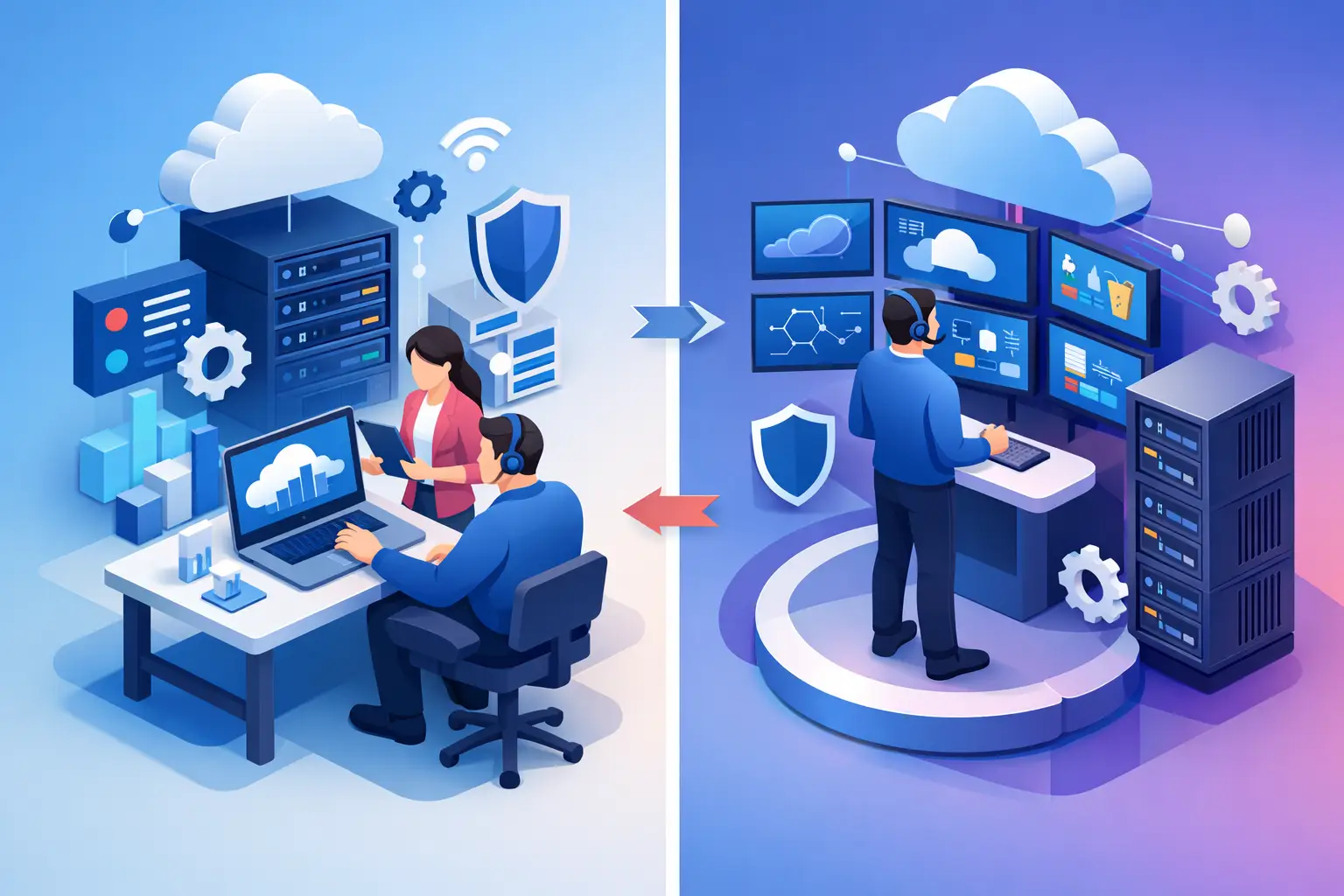
Co Managed IT vs MSP for Growing Businesses
A single overloaded IT employee can keep a business running for only so long. When support tickets, Microsoft 365 administration, vendor coordination, cybersecurity alerts, and growth projects all land on the same desk, risk rises quickly. The decision between co managed IT vs MSP is really a decision about ownership: do you need to extend an internal IT function, or do you need a partner to operate it for you?
Both models can improve uptime, security, and planning. The right choice depends on your internal capability, compliance requirements, business goals, and willingness to retain day-to-day technology responsibility.
What Is a Fully Managed IT Service Provider?
A managed service provider, or MSP, takes primary responsibility for a company’s IT environment. This model is often the best fit for small and mid-sized organizations without a dedicated internal IT department, or those with only limited technical coverage.
Under a fully managed arrangement, the provider typically handles user support, device management, network oversight, patching, backups, Microsoft 365 or cloud administration, vendor management, documentation, and strategic technology planning. A security-focused provider also adds continuous monitoring, endpoint protection, identity controls, incident response support, and guidance for compliance obligations.
The business retains decision-making authority, but it does not have to manage the daily mechanics of IT. Leadership receives a defined point of accountability for technology performance, cybersecurity posture, and future planning.
This approach works well when an office manager, controller, operations leader, or business owner has been acting as the unofficial IT coordinator. It replaces fragmented support and reactive break-fix work with an accountable operating model.
What Is Co-Managed IT?
Co-managed IT is a shared-responsibility model. Your internal IT team remains in place, while an external provider supplies additional people, tools, processes, and specialized expertise.
The division of work is not one-size-fits-all. An internal team may retain ownership of business applications, onsite operations, executive support, or projects tied closely to company workflows. The co-managed partner may provide 24/7 monitoring, help desk capacity, cybersecurity operations, backup oversight, network engineering, escalation support, documentation, and vCIO or vCTO guidance.
The strongest co-managed relationships do not treat the provider as a backup help desk. They establish clear responsibilities, shared visibility, documented standards, and escalation paths before an incident occurs. The result is a more capable IT function without forcing the business to hire every specialty internally.
Co Managed IT vs MSP: The Core Difference
The central difference between co managed IT vs MSP is not the technology stack. It is who owns the work and who is accountable for the outcome.
With a fully managed MSP model, the provider owns most operational responsibilities. Internal employees focus on running the business, while the IT partner handles the technical environment according to agreed standards and service levels.
With co-managed IT, internal and external teams share responsibility. The provider fills gaps, strengthens coverage, and brings enterprise-level tools and expertise, but the internal team remains an active operator and stakeholder.
Neither model is automatically better. A 75-person professional services firm with no internal IT staff may gain more control and predictability through fully managed IT. A 300-person manufacturer with a capable IT manager but no security operations coverage may benefit more from co-management.
When Fully Managed IT Is Usually the Better Fit
Fully managed IT is often the practical choice when technology responsibility has become unclear or overly dependent on one person. It is particularly valuable for businesses that need dependable support but do not need, or cannot justify, a full internal IT department.
Consider a fully managed model when your business has recurring technology issues, inconsistent documentation, no reliable backup owner, or limited visibility into cybersecurity risk. It is also a strong fit when leadership wants one accountable partner to coordinate internet providers, software vendors, cloud platforms, security tools, and end-user support.
Regulated businesses often benefit from this structure because compliance work requires consistency. Healthcare, legal, financial services, and engineering firms need more than occasional technical help. They need documented access controls, patching discipline, backup testing, security awareness, incident procedures, and a technology roadmap that supports audit readiness.
A fully managed arrangement can also create more predictable budgeting. Rather than reacting to every outage, replacement, or emergency consulting need, the business operates with a defined service scope and a clearer view of upcoming investments.
When Co-Managed IT Makes More Sense
Co-managed IT is designed for organizations that already have internal technical talent and want to make that team more effective. It is not a sign that the internal team has failed. In many cases, it is the disciplined next step for a growing business.
An internal IT manager may understand the company’s line-of-business applications, facilities, and user needs better than any outside provider. But that person cannot reasonably be expected to serve as help desk technician, network engineer, cloud architect, cybersecurity analyst, compliance lead, and after-hours incident responder at the same time.
Co-management gives internal teams room to focus on high-value work. Instead of spending every morning resetting passwords or chasing printer issues, they can lead application improvements, automation, integrations, business process projects, and technology initiatives that support growth.
It is especially useful when 24/7 security monitoring, managed detection and response, advanced networking, incident response, or strategic planning exceed the internal team’s available time or specialized expertise.
Security Must Be Defined, Not Assumed
Cybersecurity is where vague IT responsibilities become expensive. In either model, ask direct questions about who monitors alerts, approves access, patches systems, tests backups, investigates suspicious activity, and communicates during an incident.
A provider may manage security tools while an internal team retains administrative privileges. That can work, but only if the rules are clear. Unmanaged administrator accounts, inconsistent endpoint coverage, and unclear escalation procedures create gaps that attackers can exploit.
For co-managed environments, shared access should be governed carefully. Both teams need current documentation, role-based permissions, change management practices, and a common view of security events. For fully managed environments, the provider should report on the security controls it operates and the risks that still require business decisions.
Security accountability also extends beyond technology. Leadership must decide acceptable risk, approve policies, support employee training, and fund the controls needed to protect sensitive data and business continuity.
Evaluate the Model Through Business Outcomes
Do not choose based only on the number of technicians included or the lowest monthly price. Start with the operating outcomes your organization needs: dependable user support, less downtime, stronger security oversight, compliance readiness, scalable cloud systems, and a realistic technology plan.
Then evaluate whether your internal team has the capacity to own those outcomes. Capacity matters as much as skill. A highly capable IT manager who is constantly interrupted by routine support work is still a single point of failure.
A productive provider conversation should clarify service boundaries. Determine who owns help desk support, onsite needs, network changes, vendor coordination, employee onboarding and offboarding, backups, security alerts, projects, and executive reporting. If the answer is “we will figure it out as we go,” the engagement is not ready.
You should also ask how the provider measures performance. Useful measures include response and resolution trends, recurring ticket causes, patch compliance, backup success and restore testing, security event handling, asset lifecycle status, and progress against the technology roadmap.
A Practical Way to Make the Decision
Start by mapping your current IT responsibilities and identifying where work is delayed, undocumented, or dependent on a single employee. Include routine support, security tasks, vendor relationships, planned projects, and emergency coverage.
Next, separate work that must remain internal from work that can be outsourced. Some organizations need internal ownership of proprietary applications or specialized operations. Others simply need a trusted partner to take technology off the leadership team’s plate.
Finally, build the service model around risk rather than habit. If your business depends on constant availability, stores regulated information, operates across locations, or expects growth, choose the structure that provides real coverage and clear accountability. A smaller monthly bill is not a saving if it leaves security monitoring, recovery testing, or strategic planning unattended.
The best IT model is the one that gives your business confidence to grow without turning technology into a recurring leadership distraction. Whether that means a fully managed partner or a co-managed extension of your team, define ownership early, measure performance consistently, and treat cybersecurity as an operating responsibility. Sigma Networks helps businesses build that level of accountability with secure IT designed for smarter business decisions.
