

Cloud Firewall vs Traditional Firewall Explained
A firewall used to be a physical appliance in a server closet, protecting a clearly defined office network. That model still has a place. But when employees work remotely, applications run in Microsoft 365 and cloud platforms, and data moves beyond one building, the cloud firewall vs traditional firewall decision becomes a business continuity and risk-management question.
For small and mid-sized businesses, the right answer is rarely about choosing the newest technology. It is about protecting the people, data, applications, and locations that keep the business running without adding unnecessary complexity or blind spots.
Cloud Firewall vs Traditional Firewall: The Core Difference
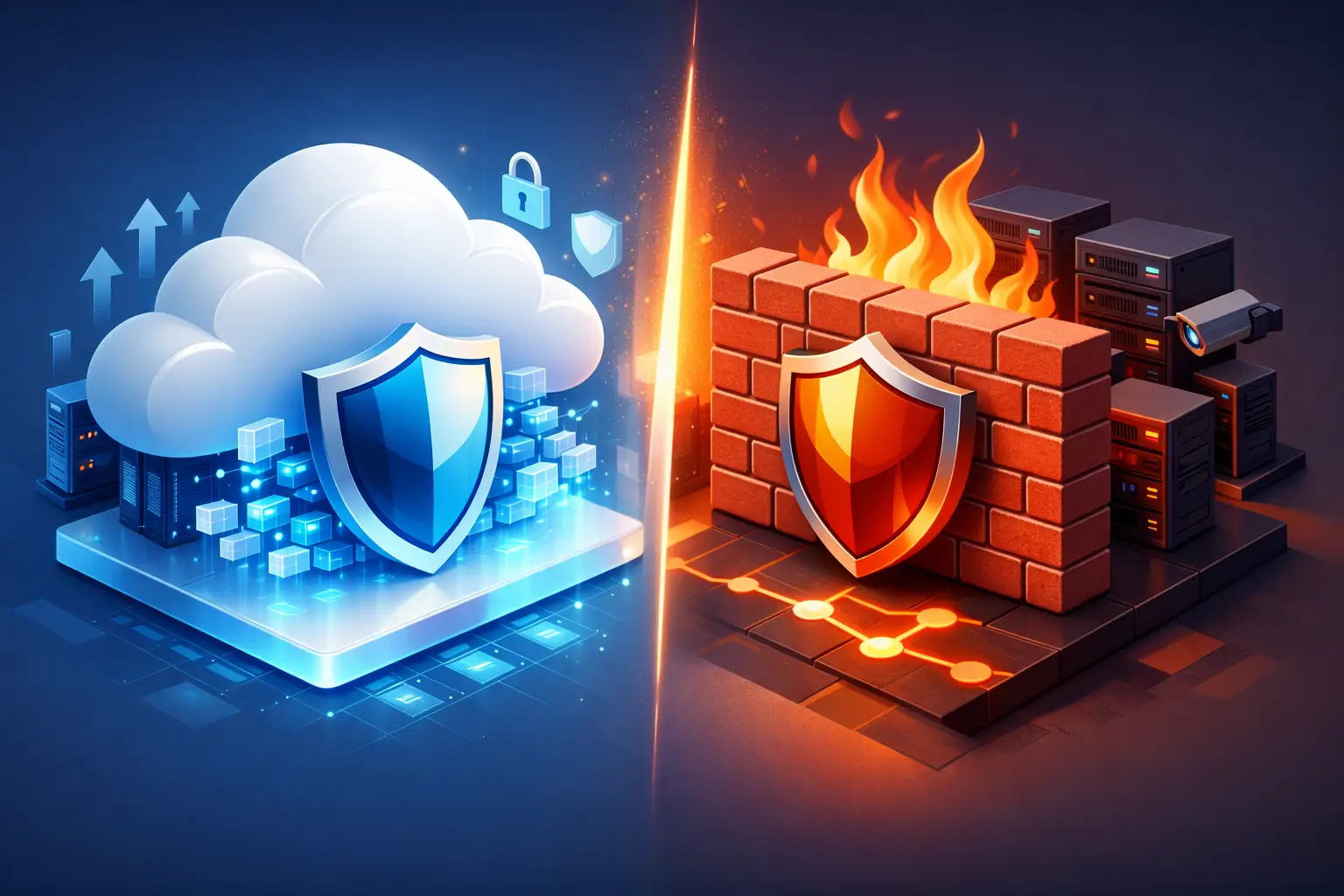
A traditional firewall is typically a physical or virtual device deployed at the edge of a network. It inspects traffic entering and leaving an office, branch location, data center, or other defined environment. Policies are configured around that location, its internet connection, and the devices connected to it.
A cloud firewall delivers similar traffic inspection and policy enforcement from cloud-based infrastructure. Rather than relying entirely on a device at one office, it can apply security controls to users, devices, and cloud workloads wherever they connect. It is often delivered as Firewall as a Service, or FWaaS, and may be part of a broader secure access service edge, commonly called SASE.
Both models can filter traffic, block malicious activity, control applications, and support network segmentation. The difference is where enforcement happens and how easily protection extends beyond the physical perimeter.
That distinction matters when a Dallas office has employees working from home, traveling to client sites, accessing cloud accounting systems, or opening files in Microsoft 365. The old perimeter is no longer the only place where risk enters the business.
How Traditional Firewalls Protect the Business
Traditional firewalls remain a strong choice for organizations with a central office, on-premises servers, specialized equipment, or strict requirements for local network control. A well-configured next-generation firewall can provide intrusion prevention, web filtering, virtual private network access, application control, and detailed network segmentation.
For example, a manufacturing company may need to isolate production equipment from office workstations. A healthcare practice may need to separate guest Wi-Fi, clinical systems, and administrative devices. A physical firewall at each location can enforce those boundaries close to the devices and maintain predictable local performance.
There are trade-offs. Hardware must be sized correctly, maintained, patched, monitored, and eventually replaced. Security policies can become inconsistent when a business has multiple offices or a mix of firewalls from different vendors. Remote users often connect through a VPN, which may route their traffic back through the office before it reaches cloud applications. That can create performance problems and leave IT teams managing more infrastructure than the business needs.
A traditional firewall also only protects what passes through it. If an employee uses a personal internet connection and accesses cloud applications directly, the office firewall may have limited visibility into that activity unless other security controls are in place.
Where Cloud Firewalls Fit Best
Cloud firewalls are designed for businesses whose workforce, applications, and data are distributed. Instead of treating the office as the center of security, they enforce policy based on identity, device condition, user location, application, and risk level.
This approach can make security more consistent. A user working at headquarters, at home, or from a hotel can receive the same web filtering, threat prevention, and access rules. IT teams can manage policy from a centralized console rather than configuring each office separately.
Cloud-based enforcement is particularly useful when a business depends heavily on Software as a Service applications. Routing users directly and securely to Microsoft 365, cloud file platforms, customer relationship management systems, and other approved services can improve the user experience while keeping security controls in place.
Scalability is another practical advantage. When a company opens a new location, hires remote staff, or acquires another business, cloud firewall capacity and policies can usually be extended without waiting for new appliances to be purchased, delivered, and installed. Costs tend to shift from capital purchases and refresh cycles toward recurring subscription expenses.
However, cloud firewalls depend on reliable internet connectivity and thoughtful design. Not every application performs well when traffic is routed through cloud security points of presence. Some legacy systems, industrial controls, and local server environments need protections that remain close to the network. Cloud services also do not remove the need for active monitoring, policy review, identity security, and incident response.
Security Coverage Is More Than a Firewall Choice
A firewall is a critical control, but it is not a complete cybersecurity program. Attackers commonly gain access through stolen credentials, phishing, unpatched systems, misconfigured cloud applications, and compromised vendors. A firewall alone cannot stop every one of those paths.
Effective protection combines network security with multi-factor authentication, endpoint detection and response, email security, backup and disaster recovery, security awareness training, vulnerability management, and 24/7 monitoring. For regulated organizations, documentation and evidence of these controls matter as much as the technology itself.
This is where many businesses make an expensive mistake: they compare firewall features without evaluating who will manage the environment after deployment. An advanced firewall with outdated firmware, permissive rules, ignored alerts, or no tested incident process is not delivering the protection it was purchased to provide.
Whether the firewall is cloud-based or appliance-based, accountability should be clear. Someone must own configuration standards, change management, logging, patching, alert triage, access reviews, and regular security reporting.
Choosing the Right Model for Your Environment
The decision should start with business operations, not product brochures. Consider where employees work, where applications and data reside, how many sites need protection, and how much local infrastructure remains essential.
A traditional firewall may be the better foundation when most work happens at one or several fixed locations, critical systems are on-premises, and local segmentation is a priority. It can also be appropriate where internet reliability is inconsistent or where specialized equipment requires direct local controls.
A cloud firewall may be a better fit when users are distributed, cloud applications are central to daily work, and the business needs the same policies to follow employees across locations. It can reduce administrative overhead for a growing organization with multiple sites or a hybrid workforce.
In many cases, the best answer is a hybrid design. A business may retain next-generation firewalls at offices to protect local devices and networks while using cloud firewall services to secure remote users and access to cloud applications. This layered approach often provides the strongest balance of control, performance, and flexibility.
Questions Leaders Should Ask Before Making a Change
Before replacing a firewall or moving security controls to the cloud, leadership should ask whether the proposed design improves visibility across all users and locations. They should understand which traffic will be inspected, how remote access will work, what happens if an internet connection fails, and who will respond when the firewall detects suspicious behavior.
It is also worth asking how the design supports compliance obligations. Healthcare, legal, financial, and professional services organizations may need documented access controls, audit logs, data protection measures, and incident response procedures. Technology choices should support those requirements rather than create another disconnected tool to manage.
Finally, evaluate the total operating cost. Appliance pricing is only part of the picture. Include licensing, support contracts, internet bandwidth, implementation, monitoring, staff time, hardware refreshes, and the cost of downtime. A lower upfront price can become expensive when it creates gaps that require manual work or slow down employees.
Build Security Around How Your Business Works
The cloud firewall vs traditional firewall discussion should lead to a clearer security architecture, not a rushed product swap. The right design reflects how your people work, where your data lives, and what downtime or a breach would cost the organization.
For many growing businesses, that means combining local network protection with cloud-delivered controls, managed monitoring, and a documented plan for responding to threats. Sigma Networks helps organizations make those decisions with the same discipline used to manage the rest of the technology environment: protect what matters, verify what is working, and plan before risk becomes disruption.
A useful next step is to map one ordinary workday from login to file sharing to customer communication. The places where users, devices, and data leave the office are often the places where your firewall strategy needs to become smarter.
