

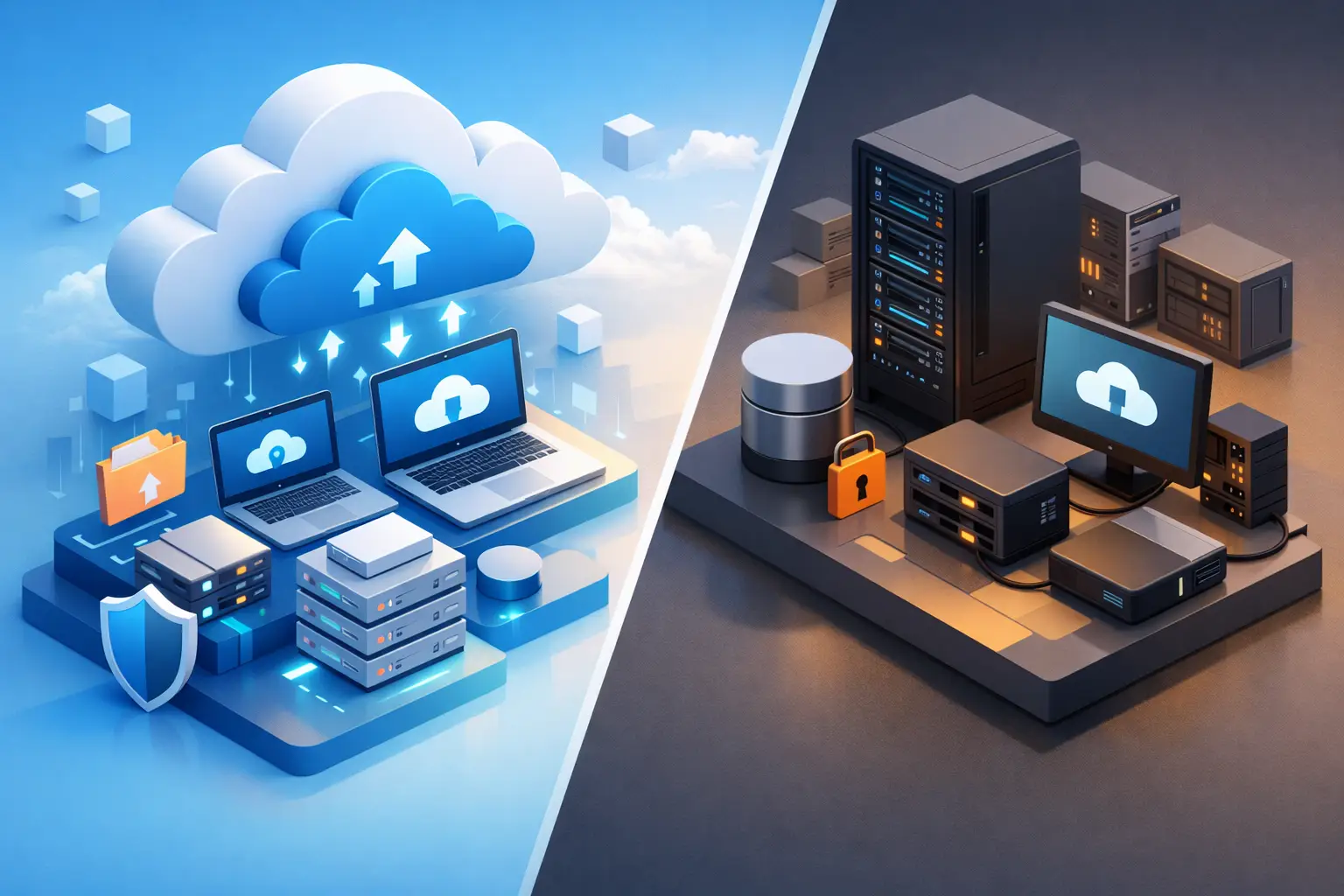
Cloud Backup vs Onsite: What Fits Best?
When a server fails or ransomware hits, the real question is not whether you have backups. It is whether those backups restore fast enough, stay protected from the same event, and support the way your business actually operates. That is where the cloud backup vs onsite decision matters.
For small and mid-sized businesses, this is rarely a simple either-or choice. Recovery time, internet reliability, compliance requirements, retention policies, and budget all shape the answer. A legal office with strict document retention needs may evaluate backup very differently than a manufacturer that cannot afford hours of production downtime. The right strategy is the one that protects operations, reduces risk, and gives leadership confidence that recovery will work under pressure.
Cloud backup vs onsite: the basic difference
Cloud backup stores copies of your data in a remote provider environment, typically in a managed data center. Onsite backup stores data locally, often on a backup appliance, NAS, external storage array, or dedicated backup server inside your office or another company-controlled facility.
At a glance, cloud backup usually wins on offsite protection and simplified scalability. Onsite backup often wins on restore speed for large data sets and can provide more direct control over infrastructure. Neither approach is automatically better in every business scenario.
What matters is how each option performs when something goes wrong. Backup is not just storage. It is part of your larger business continuity and security strategy.
Where cloud backup makes the most sense
Cloud backup is often the right fit for organizations that need geographic separation, predictable scaling, and stronger resilience against local disasters. If your office experiences fire, flooding, theft, or a major power event, cloud-stored backups are not sitting in the same building affected by the incident.
That separation also matters for cybersecurity. If attackers compromise local systems, a properly secured cloud backup environment may be less exposed than a local device connected to the same network. This is especially true when backups include immutability, role-based access control, encryption, and monitoring.
Cloud backup also helps growing businesses avoid constant hardware refresh cycles. As data grows, cloud storage can expand without requiring new appliances every time retention needs increase. For businesses with hybrid work, multiple offices, or cloud-based applications, centralized backup management can be easier than maintaining several local systems.
Still, cloud backup has trade-offs. Large restores can take longer, especially if internet bandwidth is limited. Ongoing subscription costs can rise over time as storage volumes increase. And if backup configuration is poorly managed, businesses may think they are protected when critical systems or retention rules were never set up correctly.
Where onsite backup still has an advantage
Onsite backup remains valuable for businesses that need very fast recovery from common failures. If a file server crashes, restoring from a local appliance is often much faster than pulling terabytes of data back from the cloud. For organizations with large databases, imaging systems, CAD files, or production data, that speed can be the difference between a short disruption and a full day of downtime.
Local backup can also reduce dependence on internet connectivity. If your connection is unstable or your office is in an area where service interruptions happen, relying entirely on cloud recovery may create unnecessary operational risk.
Some organizations also prefer onsite control for specific compliance, data governance, or performance reasons. That does not always mean cloud is off the table, but it may mean local backup plays a larger role in the strategy.
The downside is obvious. If your only backup lives in the same building as your production systems, one serious event can take out both. Onsite backup can also create maintenance responsibilities that many small and mid-sized businesses are not staffed to manage well. Devices need monitoring, testing, patching, access controls, and lifecycle planning. A neglected backup appliance can give a false sense of security.
Security is not equal across either model
It is easy to talk about cloud backup and onsite backup as if each one has a fixed security level. In practice, security depends more on design and management than on location alone.
A cloud backup platform with weak credentials, no MFA, poor retention controls, and no alerting can become a liability. An onsite system that is segmented, monitored, access-restricted, and tested can be highly effective. The reverse is also true.
The stronger question is this: how well does your backup environment stand up to ransomware, accidental deletion, insider misuse, and administrative mistakes?
For most businesses, secure backup should include encryption, access controls, separate administrative permissions, immutable or tamper-resistant copies where possible, routine testing, documented recovery procedures, and monitoring that catches failures before an emergency. Those requirements apply whether data sits in the cloud, onsite, or both.
Recovery objectives should drive the decision
If you want a practical way to evaluate cloud backup vs onsite, start with two metrics: recovery time objective and recovery point objective.
Recovery time objective, or RTO, is how quickly you need systems back online. Recovery point objective, or RPO, is how much data loss you can tolerate between the last good backup and the incident.
A business that can accept a slower restore but needs strong offsite resilience may lean toward cloud backup. A business that cannot tolerate long recovery windows may need local backup for rapid restoration. If both short RTO and offsite protection matter, a hybrid model becomes much more attractive.
This is where many backup decisions go wrong. Leadership approves a backup platform based on cost or convenience, but no one defines acceptable downtime by application. Email, accounting systems, file shares, line-of-business software, Microsoft 365 data, and endpoint devices do not all carry the same recovery priority. Without that prioritization, backup design often misses the business target.
Compliance and retention can change the answer
Healthcare, legal, financial services, and other regulated sectors often need more than a basic daily backup. They may need documented retention schedules, audit trails, encryption standards, secure storage, and evidence that recovery procedures are tested.
In those environments, the cloud backup vs onsite question is often less about preference and more about alignment with policy and risk. Where is the data stored? Who can access it? How long is it retained? Can backups be altered or deleted? Can you prove recoverability?
For firms with compliance exposure, backup cannot be treated as a commodity purchase. It should be part of a documented control framework that supports audits, cyber insurance requirements, and incident response planning.
Why many businesses choose both
For a large percentage of SMBs, the best answer is not cloud or onsite. It is cloud and onsite.
A hybrid backup strategy gives you local recovery speed for routine outages and cloud protection for site-wide events, ransomware scenarios, or long-term retention. This is the model many mature IT environments adopt because it balances performance with resilience.
A common approach is to keep recent backups locally for fast restores while replicating backup data to a secure cloud environment for offsite recovery. That setup can support shorter recovery times without creating a single point of failure. It also gives businesses more flexibility as data grows or compliance needs change.
The key is management discipline. Hybrid backup only works when policies are clear, storage is monitored, backup jobs are tested, and restoration is rehearsed. More copies do not automatically mean better protection if nobody validates them.
How to choose the right backup strategy
Start with business impact, not technology preference. Ask which systems are most critical, how long each can be down, and what a day of disruption would actually cost in revenue, productivity, client service, and reputation.
Then evaluate your environment honestly. If your office has weak internet service, large local data sets, and tight recovery windows, onsite backup likely needs a major role. If you have distributed teams, cloud workloads, and high concern about local disaster exposure, cloud backup may carry more weight.
Budget matters, but it should be evaluated against risk tolerance. The cheapest backup option is often the most expensive one after a failed recovery. For many organizations, the smarter investment is a managed backup and disaster recovery plan that includes monitoring, security controls, retention management, and regular testing.
This is also where having a strategic IT partner matters. Backup decisions should not be made in isolation from cybersecurity, compliance, infrastructure planning, and incident response. Sigma Networks works with businesses that need backup to support the full continuity picture, not just check a box.
The best backup strategy is the one you can trust on the worst day, not the one that looked simplest during procurement. If your current setup has not been tested recently, that is the right place to start.
